FillApp is in
your browser
Try the interactive demos below or open it on any page you're working on.
Try it on real interfaces
Working examples you can interact with. Press play to let FillApp do its thing.
Add a new contact to your CRM from a business card scan.
Built for real-world automation
Practical tools and features that enable form filling, multi-step workflow automation, and content analysis directly in your browser, using your existing sessions.
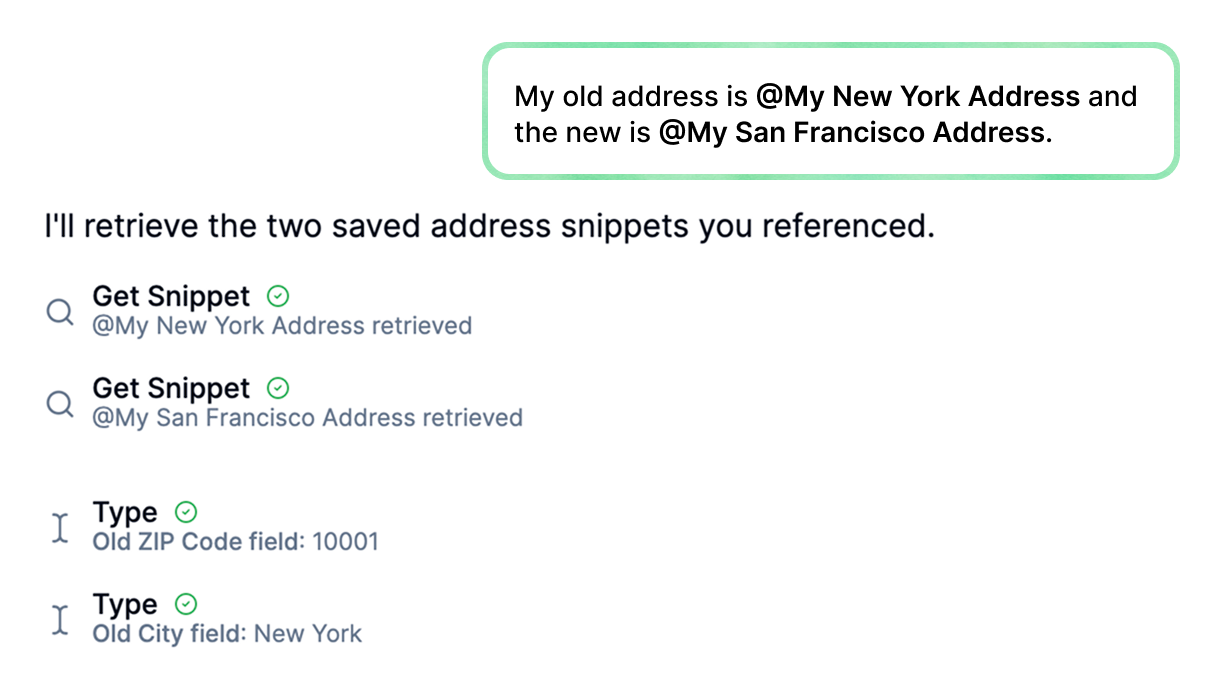
Reusable Data Snippets
Save datasets as snippets and insert them by typing @SnippetName in the chat. Use across all modes for consistent data in forms, workflows, and extractions.
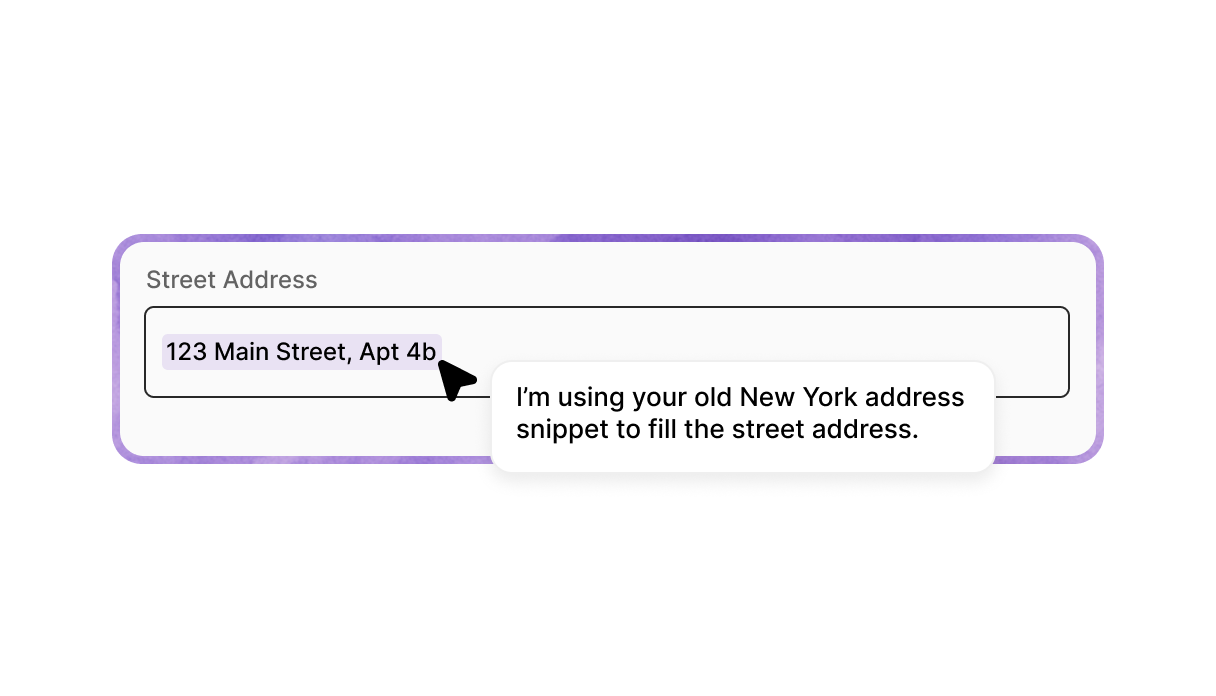
Visible On-Screen Execution
Actions execute in your browser with a visible trace showing cursor movements, and highlights every step. Pause or resume at any time for transparency and control.
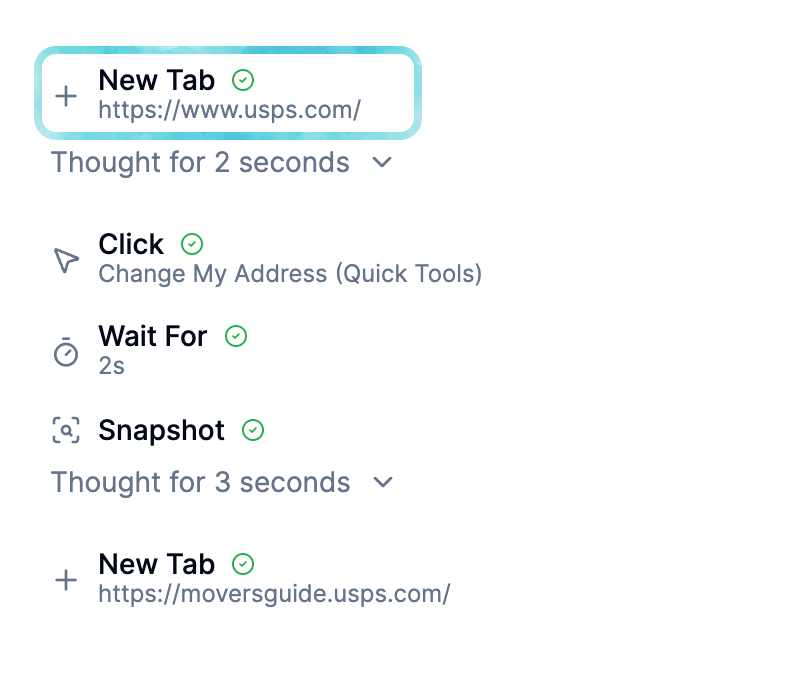
Cross-Tab Task Execution
Run tasks across multiple browser tabs using your existing sessions, without sharing credentials.
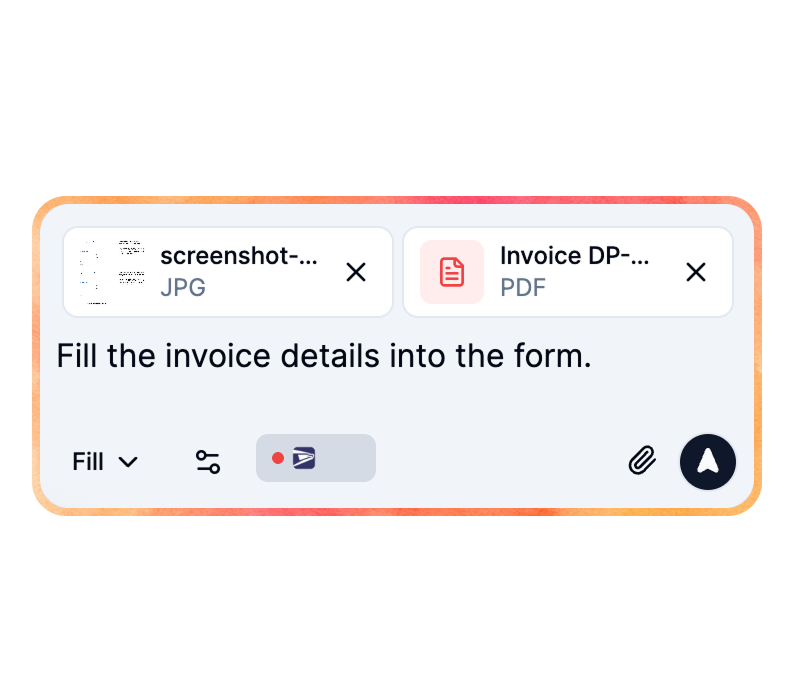
PDF and Image Analysis
Analyze PDFs and images to extract data, which can be used in tasks like mapping to form fields.

Confirmations for Sensitive Actions
Require confirmation for risky steps like submitting forms or deleting data.
Works with your tools
Because FillApp runs in your browser session,
it operates on many apps without setup.






Works across your web apps
Because FillApp runs in your browser session, it operates on many sites without setup. Popular examples include:
Multiple Task Threads
Maintain separate conversation threads for different tasks to switch between them without losing context.
Account Dashboard
View your plan details, credit balance, and quick actions to manage your FillApp account.
One-Click Screenshot and File Input
Add screenshots or files directly to chats for immediate analysis and use in tasks.
Multiple Task Threads
Maintain separate conversation threads for different tasks to switch between them without losing context.
Account Dashboard
View your plan details, credit balance, and quick actions to manage your FillApp account.
One-Click Screenshot and File Input
Add screenshots or files directly to chats for immediate analysis and use in tasks.
FAQ
Everything you need to know about getting started with FillApp.