AI form filling
& data entry
Fill web forms and PDFs, and get browser tasks done using your saved data or instructions.
What’s new in FillApp 2.2

Use ChatGPT or Claude in your browser.
Connect FillApp to the assistant you already use. Ask it to fill forms, work across tabs or edit a PDF.
 ChatGPT

AI agent that runs where you already work
FillApp runs inside your logged-in browser. It shows every action, and moves across tabs to finish tasks without breaking your flow.
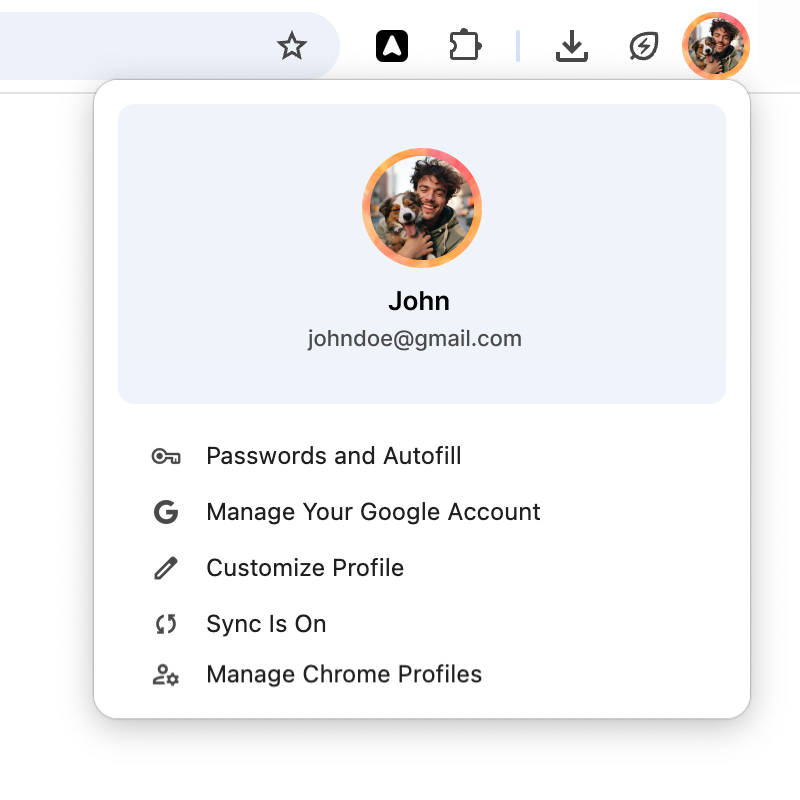
Runs in your session
Uses the sessions you already have. No credential sharing needed.
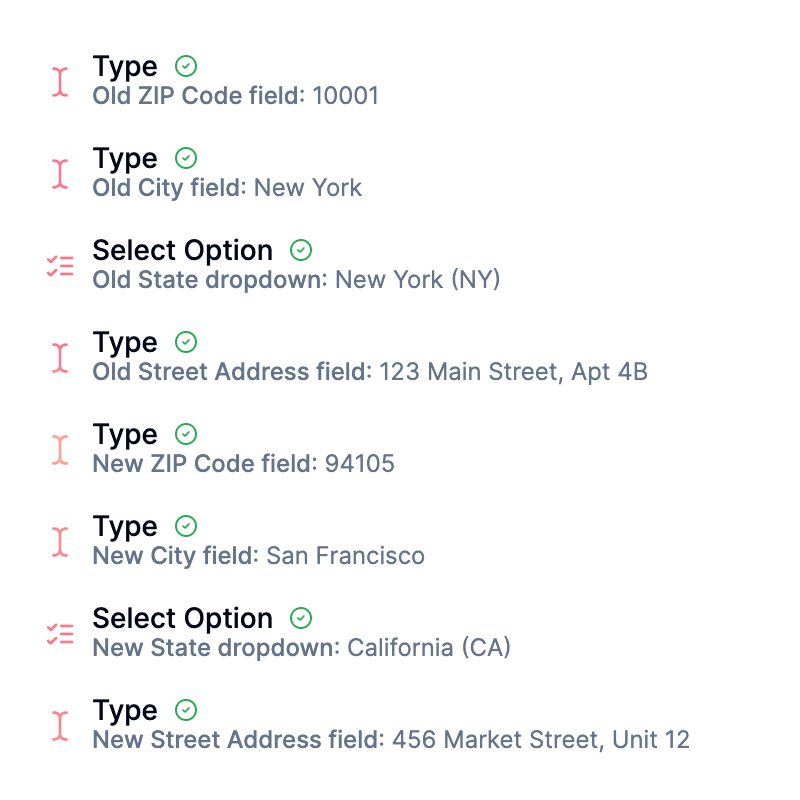
Visible trace and control
Every action shown with cursor and highlights. Preview steps or pause anytime.
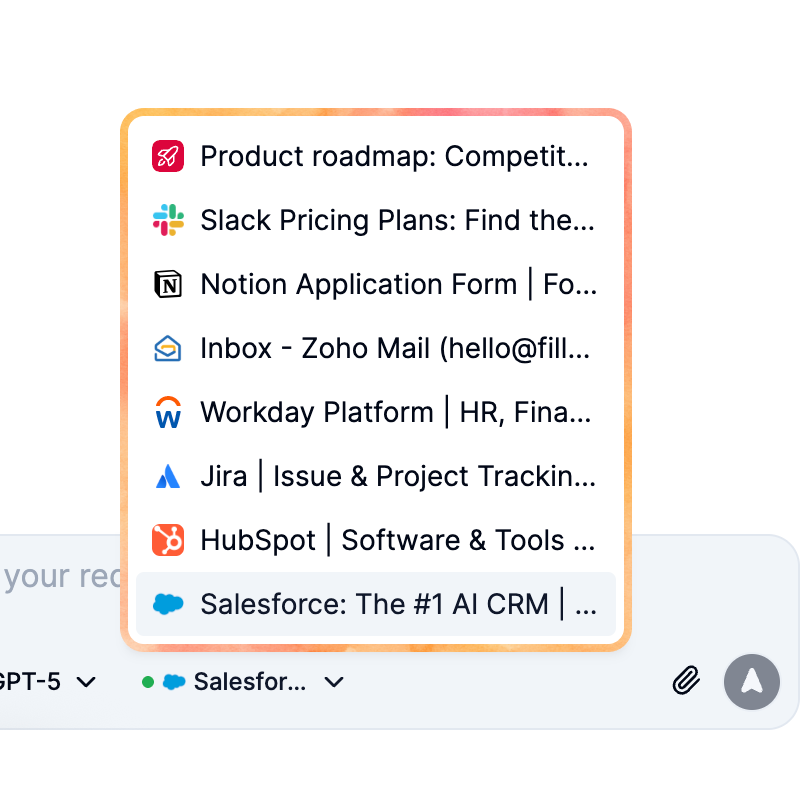
Multi-tab automation
Understands active pages and switches tabs to continue or complete workflows.
Three modes for any task
From simple form fills to complex multi-tab workflows, FillApp has a mode designed for the task at hand. All modes run in your browser and show a visible trace of every action.
Fill Mode: Instant form completion
Handles precision form filling with your saved snippets. Select a form, and let FillApp fill it out in a single click using your saved data or text prompts.
Agent Mode: Automate multi-step workflows
Plans and executes multi-step workflows across tabs. Describe a task, and watch the AI agent execute it from start to finish.
Assist Mode: Get AI-powered insights
Summarizes pages, PDFs, and images, and answers questions about content. Get the information you need without leaving your current tab.
Built for real-world automation
Practical tools and features that enable form filling, multi-step workflow automation, and content analysis directly in your browser, using your existing sessions.
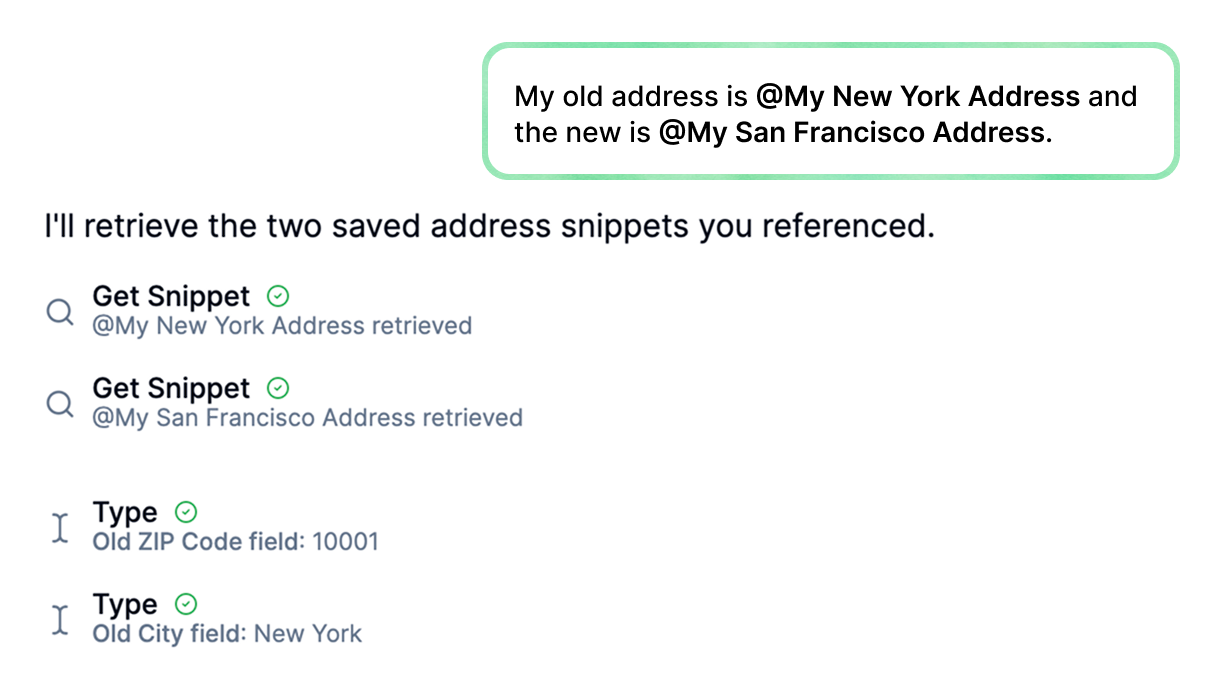
Reusable Data Snippets
Save datasets as snippets and insert them by typing @SnippetName in the chat. Use across all modes for consistent data in forms, workflows, and extractions.
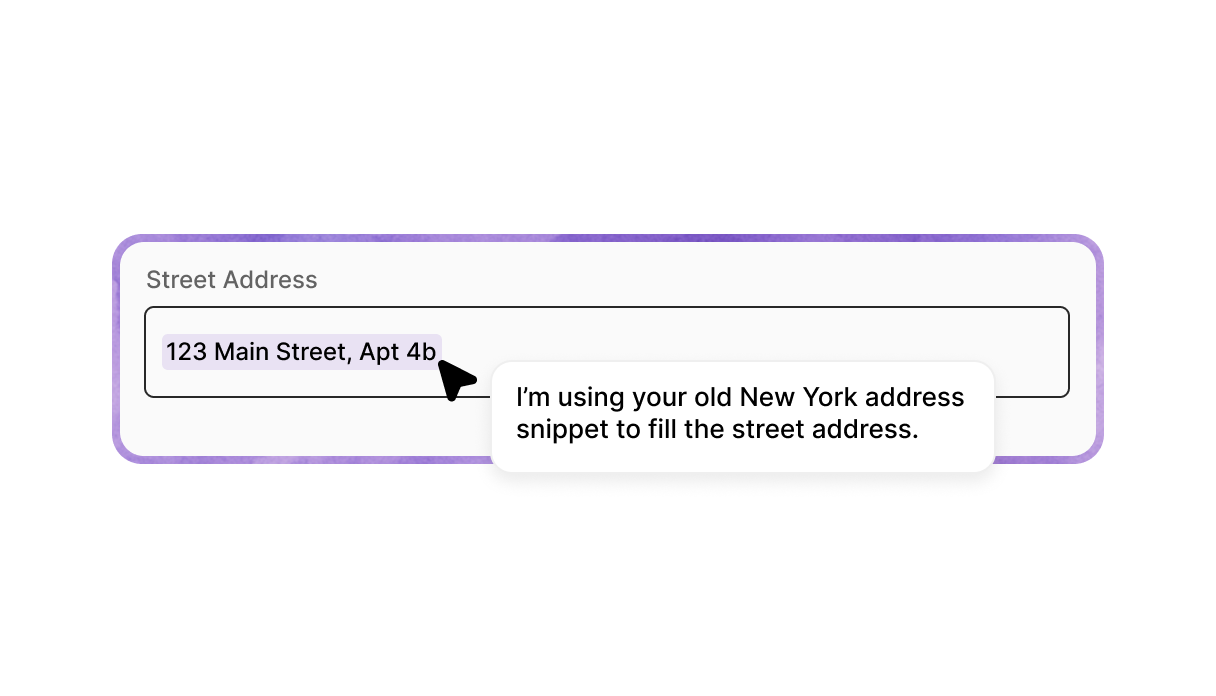
Visible On-Screen Execution
Actions execute in your browser with a visible trace showing cursor movements, and highlights every step. Pause or resume at any time for transparency and control.
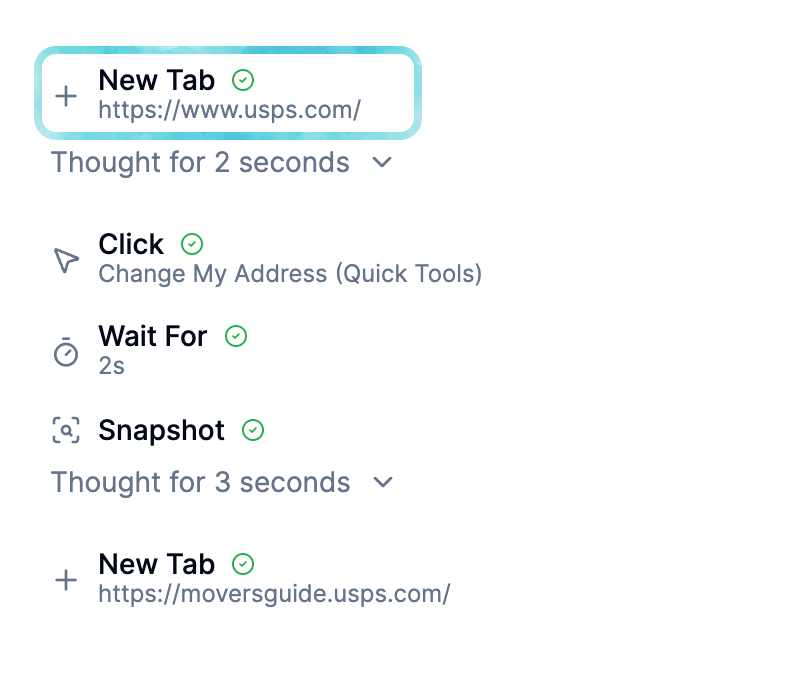
Cross-Tab Task Execution
Run tasks across multiple browser tabs using your existing sessions, without sharing credentials.
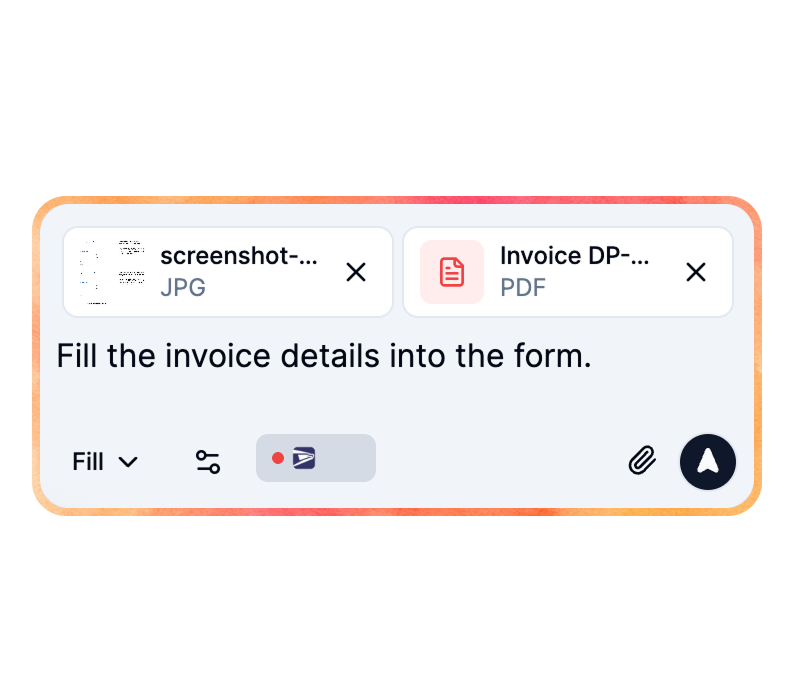
PDF and Image Analysis
Analyze PDFs and images to extract data, which can be used in tasks like mapping to form fields.

Confirmations for Sensitive Actions
Require confirmation for risky steps like submitting forms or deleting data.
Works with your tools
Because FillApp runs in your browser session,
it operates on many apps without setup.






Works across your web apps
Because FillApp runs in your browser session, it operates on many sites without setup. Popular examples include:
Multiple Task Threads
Maintain separate conversation threads for different tasks to switch between them without losing context.
Account Dashboard
View your plan details, credit balance, and quick actions to manage your FillApp account.
One-Click Screenshot and File Input
Add screenshots or files directly to chats for immediate analysis and use in tasks.
Multiple Task Threads
Maintain separate conversation threads for different tasks to switch between them without losing context.
Account Dashboard
View your plan details, credit balance, and quick actions to manage your FillApp account.
One-Click Screenshot and File Input
Add screenshots or files directly to chats for immediate analysis and use in tasks.
Start free.
Pay as you go.
Credits from $5. No subscription.
20 free credits to start.
All features and AI models with purchased credits. No subscription required.
$0.10 / credit
Start freeSubscriptions are optional. Get more for less.
500 credits for $14.99/month with Starter, or $50 pay as you go.
Pay as you go
- No subscription needed:
- Connect ChatGPT / Claude, always free
- 20 free credits to start
- AI PDF editor
- Buy credits anytime ($0.10/credit)
- Form filling & browser automation
- All features and AI models with purchased credits
- No card needed to start
- Purchased credits valid for 1 year
Starter
Most Popular- All app features:
- 500AI credits/month
- About $25 estimated AI/API usage included
- AI PDF editor
- Form filling & page summaries
- Agent mode: multi-step automation
- All AI models
- Custom system prompts
- Document uploads (Word, Excel, PDF)
- Image & screenshot support
- Saved snippets for quick filling
- Top-up credits at $0.10/credit
~1h of work daily
Pro
- More credits + personal support:
- 1,000AI credits/month
- About $50 estimated AI/API usage included
- Agent mode: multi-step automation
- Premium AI models
- Custom system prompts
- Workflow setup help
- Priority email support
~2h of work daily
Get answers to the most commonly asked questions
How FillApp stands
out from other AI agents
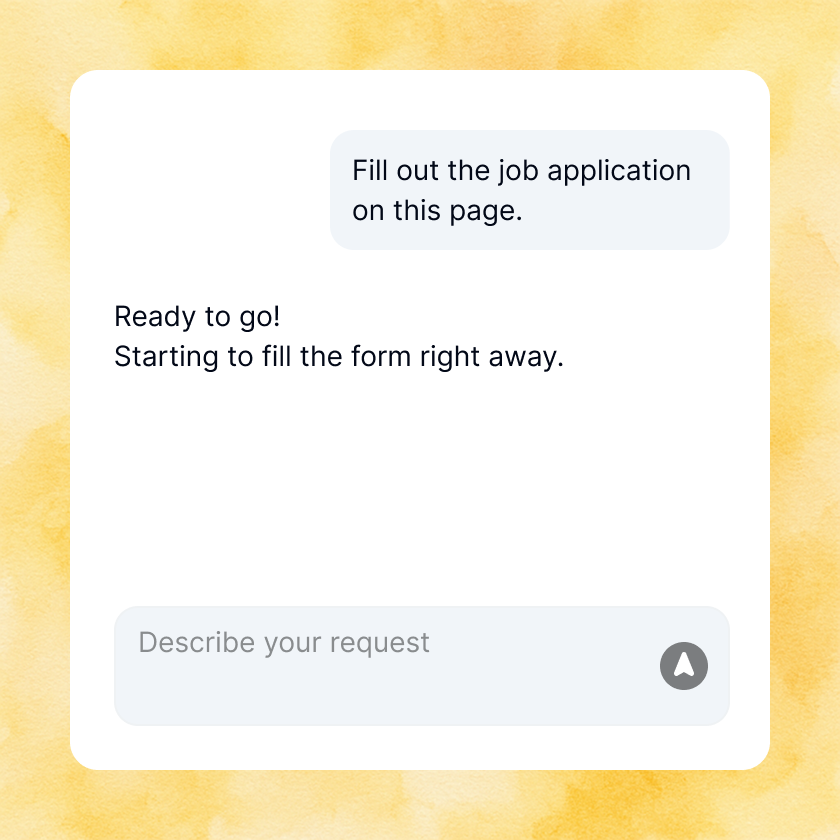
Zero Setup Required
Start automating instantly with no coding or complex configuration needed; FillApp works directly in your browser using your existing sessions.
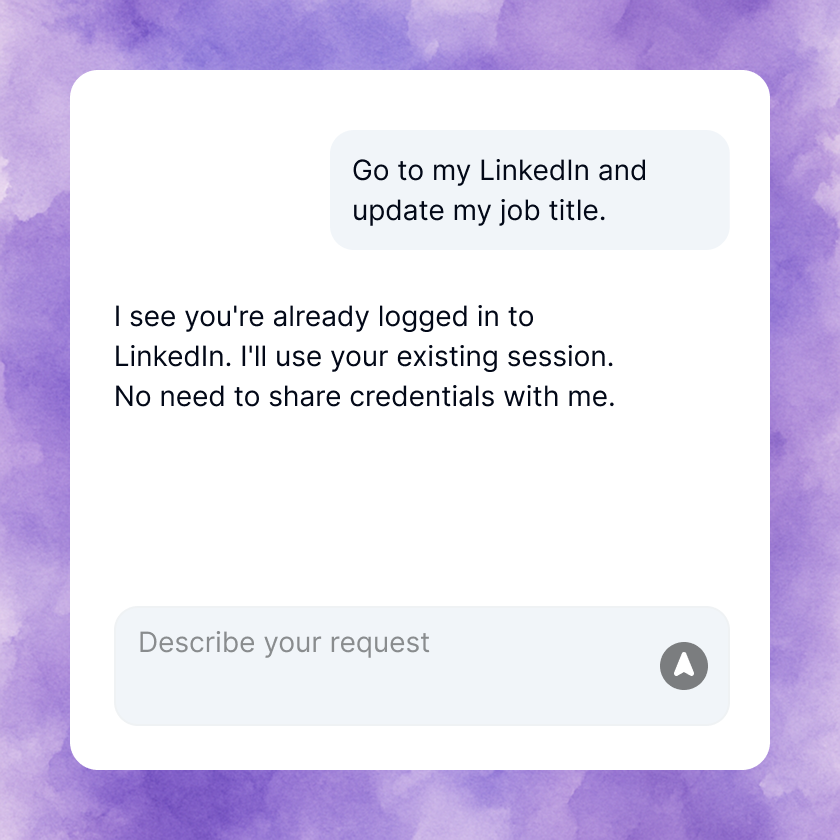
Secure by Design
Runs in your environment without sharing credentials or monitoring in the background, ensuring your data stays private and under your control.
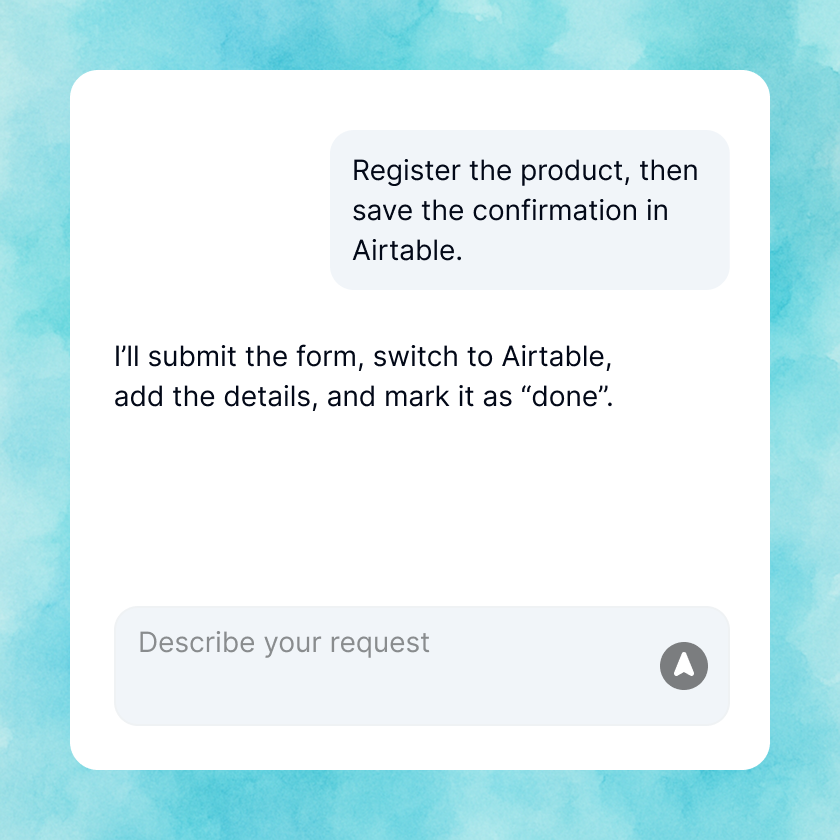
Multi-Tab Execution
Handles workflows across multiple tabs seamlessly, switching context only when necessary to minimize disruption to your current work.
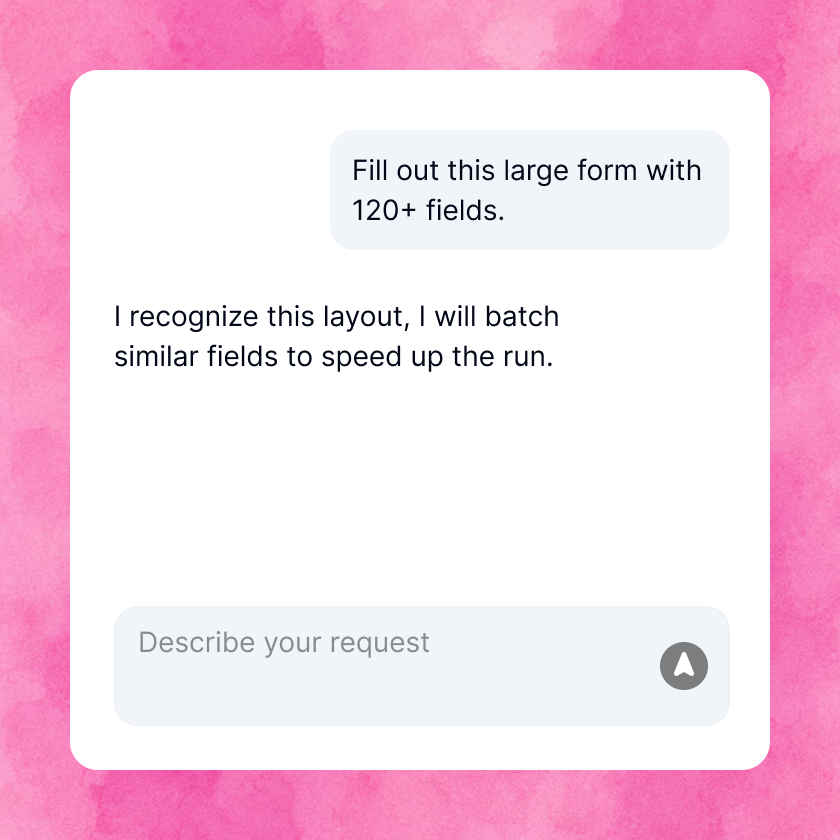
Adaptive Speed Optimization
Learns interaction patterns during tasks and batches similar steps for faster completion, accelerating repetitive actions over time.
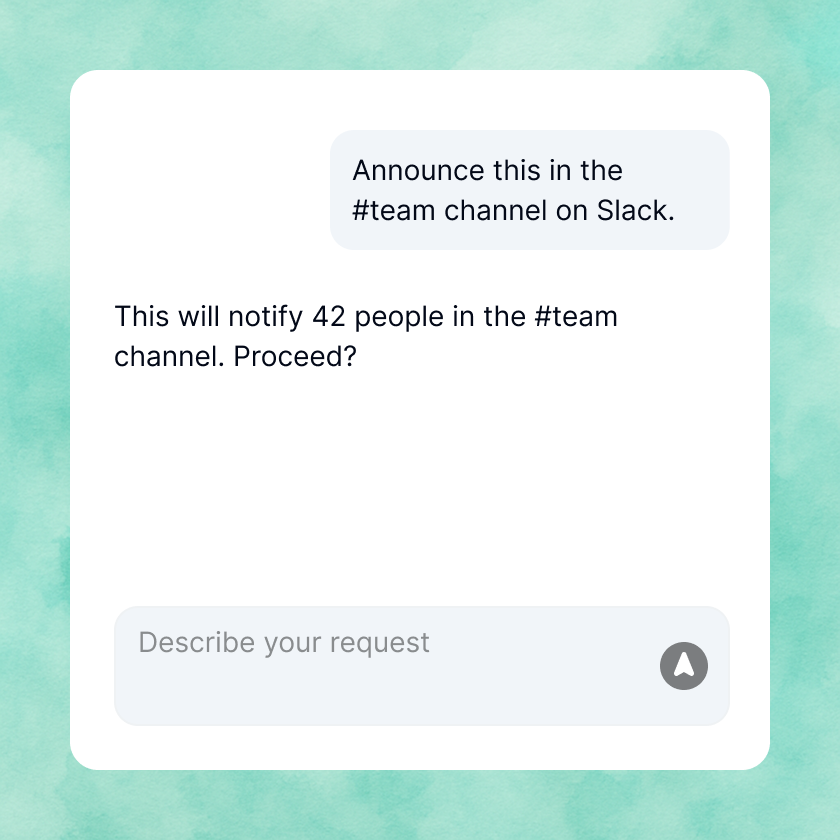
Transparent and Controllable
Provides full visibility into actions with logs and guardrails like confirmations for sensitive steps, giving you complete oversight.
Zero Setup Required
Start automating instantly with no coding or complex configuration needed; FillApp works directly in your browser using your existing sessions.
Secure by Design
Runs in your environment without sharing credentials or monitoring in the background, ensuring your data stays private and under your control.
Multi-Tab Execution
Handles workflows across multiple tabs seamlessly, switching context only when necessary to minimize disruption to your current work.
Adaptive Speed Optimization
Learns interaction patterns during tasks and batches similar steps for faster completion, accelerating repetitive actions over time.
Transparent and Controllable
Provides full visibility into actions with logs and guardrails like confirmations for sensitive steps, giving you complete oversight.
What people say
Here's what our early users have to say about FillApp
I post 20 job listings weekly across Indeed, LinkedIn, and ZipRecruiter. Before FillApp, I spent 3 hours copying details everywhere. Now I set up once and it handles all sites. Takes 30 minutes instead of all morning.

Customs forms are the worst part of my job. FillApp fills them out perfectly every time.

I take quick notes during calls, then FillApp turns them into proper Salesforce entries with all the right fields. No more manual data entry. Game changer for sure.

Listing properties across Zillow, Realtor.com, and our MLS - FillApp handles the different formats perfectly. I give it my info and boom, all platforms done.

I post 20 job listings weekly across Indeed, LinkedIn, and ZipRecruiter. Before FillApp, I spent 3 hours copying details everywhere. Now I set up once and it handles all sites. Takes 30 minutes instead of all morning.
Customs forms are the worst part of my job. FillApp fills them out perfectly every time.
I take quick notes during calls, then FillApp turns them into proper Salesforce entries with all the right fields. No more manual data entry. Game changer for sure.
Listing properties across Zillow, Realtor.com, and our MLS - FillApp handles the different formats perfectly. I give it my info and boom, all platforms done.
I post 20 job listings weekly across Indeed, LinkedIn, and ZipRecruiter. Before FillApp, I spent 3 hours copying details everywhere. Now I set up once and it handles all sites. Takes 30 minutes instead of all morning.
Customs forms are the worst part of my job. FillApp fills them out perfectly every time.
I take quick notes during calls, then FillApp turns them into proper Salesforce entries with all the right fields. No more manual data entry. Game changer for sure.
Listing properties across Zillow, Realtor.com, and our MLS - FillApp handles the different formats perfectly. I give it my info and boom, all platforms done.


Automate Your Browser.
Get More Done
Stop wasting time on manual tasks. Start with free starter credits and automate form filling and multi‑step browser workflows instantly.